

Before you begin
Make sure you have:- A terminal open in a code project
- A Git repository (recommended for the full workflow demonstration)
Step 1: Install and start opensre
- macOS and Linux
- Windows
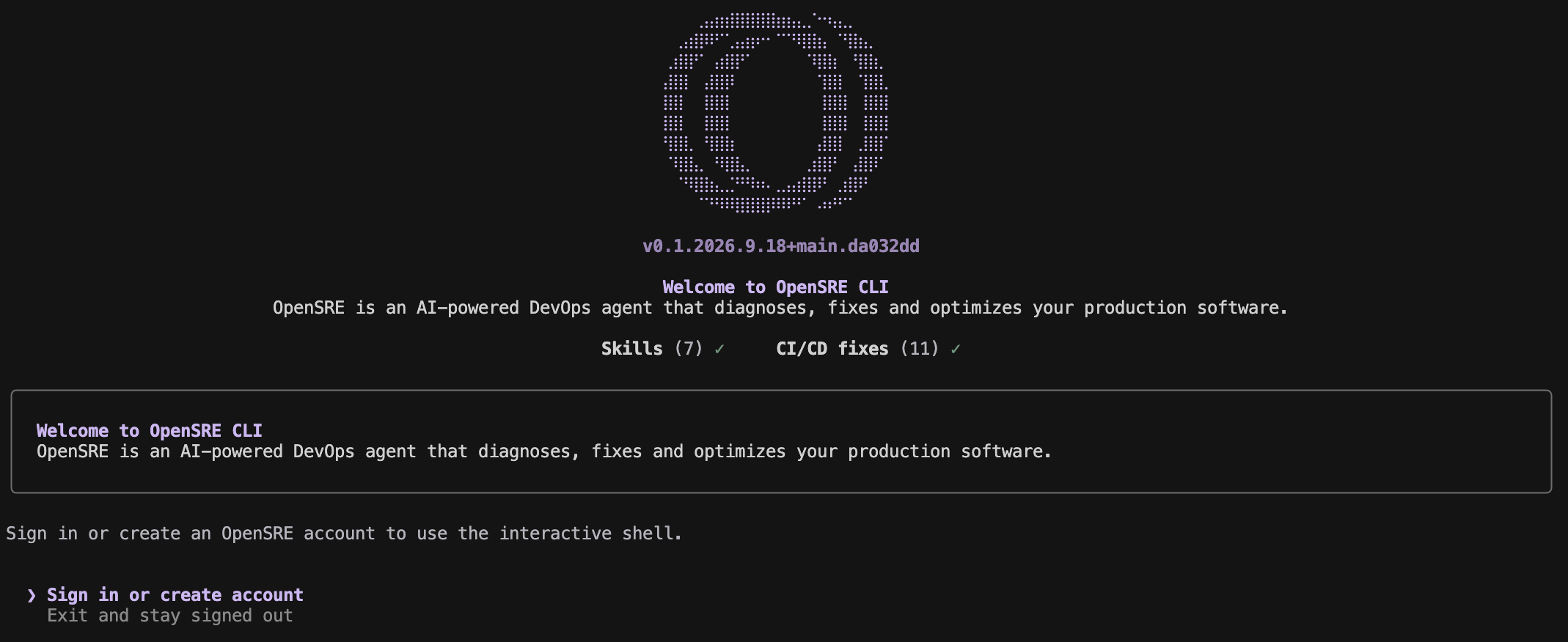
Step 2: Sign in
Choose Sign in or create account in the welcome screen. Your browser opens the OpenSRE sign-up page; sign in with email or another enabled provider. Signing in activates the hosted model, so you need no LLM key. Back in the terminal, OpenSRE confirms the session with the web app and opens the shell.Step 3: Pick what to do
The first shell prompt asks what you want to do:opensre account login to load that connection on this machine. If it is
missing, the flow offers the app setup link. See
CI/CD analytics demo.
Choose C to go straight to the prompt. Type /demo to open the menu again at
any time, or start with opensre --skip-onboarding to skip it.
Step 4: Ask your first question
Describe what’s going on in plain English:/integrations setup github) or the terminal:
Environment-specific guides
Stuck?
- Command not found — open a new terminal, or add the bin directory the installer printed to your PATH
- The sign-in screen comes back after you signed in — run
opensre account status; it names what is wrong with the session - Anything else — see Quickstart troubleshooting